

Last Updated: November 16, 2026
Quick Summary
The best alternatives to manual lead tracking are dedicated lead management tools, a full CRM, a shared inbox, or a form plus a lightweight database. Match the option to the failure you actually have, because a shared inbox fixes missed leads while reminders and ownership fix missed follow-up.
- Deal Angels captures buying intent on-site for teams losing warm website traffic.
- Freshsales starts at $9/user/month and Salesforce Sales Cloud at $25/user/month.
- Free lead management software stops working when volume rises and ownership blurs.
- Freeze your spreadsheet and export to CSV before starting any migration.
- Import 25 to 50 records first to catch date and phone format failures.
Table of Contents
- Why Manual Lead Tracking Breaks Down in 2026
- Quick Comparison: Lead Tracking Software at a Glance
- 1. Deal Angels: Recovery Layer for Website Traffic
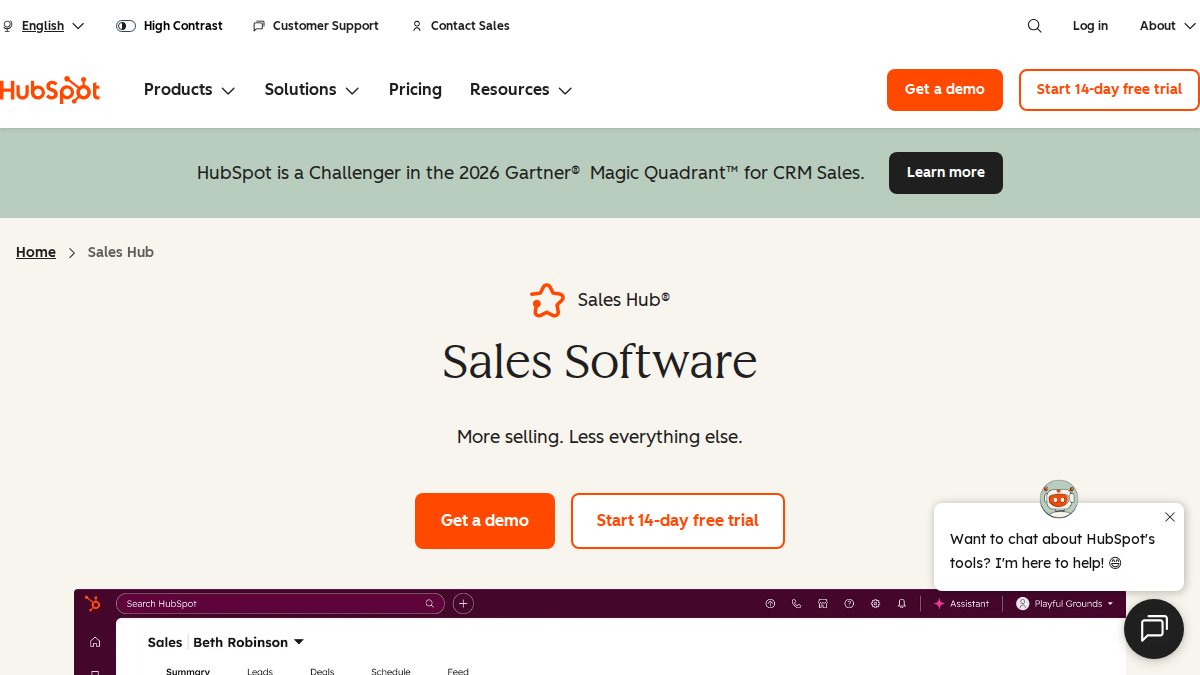
- 2. HubSpot Sales Hub: Centralized Contact Records
- 3. Pipedrive: Visual Pipeline Stages
- 4. Zoho CRM and Freshsales: Budget-Friendly Lead Status Tracking
- Lead Management Software for Small Business: What Actually Fits
- Free Lead Management Software: Where It Works and Where It Stops
- Migrating Off Spreadsheets Without Losing Your Pipeline
- When Manual Tracking Is Still the Right Call
- Frequently Asked Questions
Why Manual Lead Tracking Breaks Down in 2026
The first place manual lead tracking fails is not the notebook or the spreadsheet. It is the gap between the moment a prospect shows real interest and the moment someone on your team notices. That gap is where high-value deals quietly disappear. Closing that gap means acting on interest as it happens, and real estate lead conversion tools can help teams keep promising conversations from slipping out of view.
Manual tracking assumes interest waits for you. It does not. A buyer comparing vendors at 9pm on a Tuesday leaves a signal, and a spreadsheet row created Wednesday morning has already lost the context.
Three failures show up again and again:
- Response lag. A lead sits in an inbox or a shared sheet until someone checks it.
- Missing context. Notes get trimmed to “called, no answer” and the real objection disappears.
- No ownership. Two reps assume the other one followed up, and nobody did.
If your team is already losing deals to slow follow-up, the fix starts with how you turn website traffic into sales conversations rather than adding more rows to a sheet.
Quick Comparison: Lead Tracking Software at a Glance
The fastest way to choose is to match the tool to the failure you have, not to the feature list you find most impressive.
| Tool | Starting Price | Core Strength | Best For |
|---|---|---|---|
| Deal Angels | Quote on request | Captures buying intent on-site | Teams losing warm website traffic |
| HubSpot Sales Hub | Free tier available | Centralized contact records | Sales and marketing in one CRM |
| Pipedrive | Paid subscription | Visual pipeline stages | Reps who think in stages |
| Zoho CRM | Paid subscription | Basic tracking on a budget | Tight-budget teams |
| Freshsales | $9/user/month | Lead scoring | Scoring-led workflows |
| Salesforce Sales Cloud | $25/user/month | Enterprise sales management | Larger, complex teams |
Vendor pricing changes constantly, so confirm current plans on each vendor’s site before deciding. Readers comparing capture channels often want to see how live chat alternatives compare for sales before committing to a single tool.
1. Deal Angels: Recovery Layer for Website Traffic
Deal Angels is an interactive sales assistant that sits on your website, engages visitors in real time, identifies buying intent, and connects qualified prospects with the right salesperson.
That distinction matters. Deal Angels works one step earlier, recovering opportunities that forms and popups can miss. If you are already paying for paid traffic, this is the layer that protects that spend, and our guide on increasing sales conversion from paid traffic covers the tactics that pair with it.
Best for: teams with real website traffic and a sales team ready to respond.
Skip if: you have almost no site traffic yet and need outbound prospecting instead.

2. HubSpot Sales Hub: Centralized Contact Records
HubSpot’s strength is consolidation. Prospect data, activity history, and marketing touchpoints live in one record, which kills the “which sheet has the latest note” problem outright.
Best for: teams that want sales and marketing connected in one system.
Skip if: you only need pipeline tracking and nothing else.
3. Pipedrive: Visual Pipeline Stages
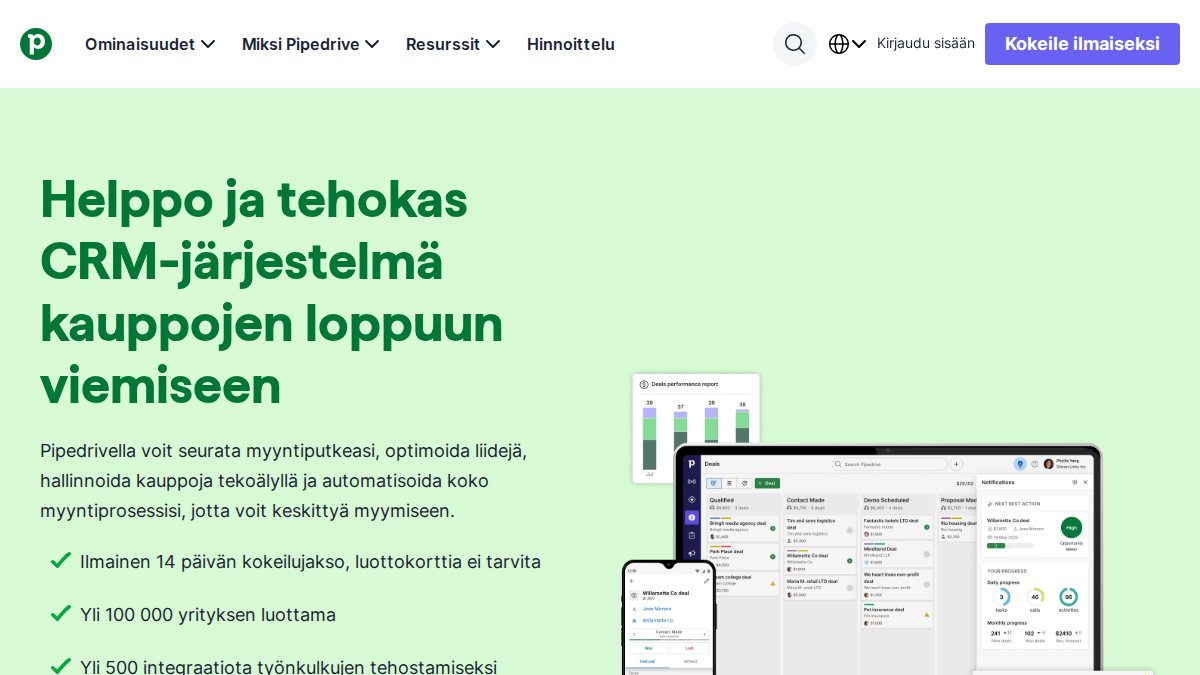
Pipedrive organizes leads as cards moving through visible stages. For reps who think visually, this beats a table every time, because a stalled deal is obvious rather than buried in a column.
Best for: small sales teams that want a simple visual pipeline.
Skip if: you need heavy marketing automation alongside sales tracking.
4. Zoho CRM and Freshsales: Budget-Friendly Lead Status Tracking
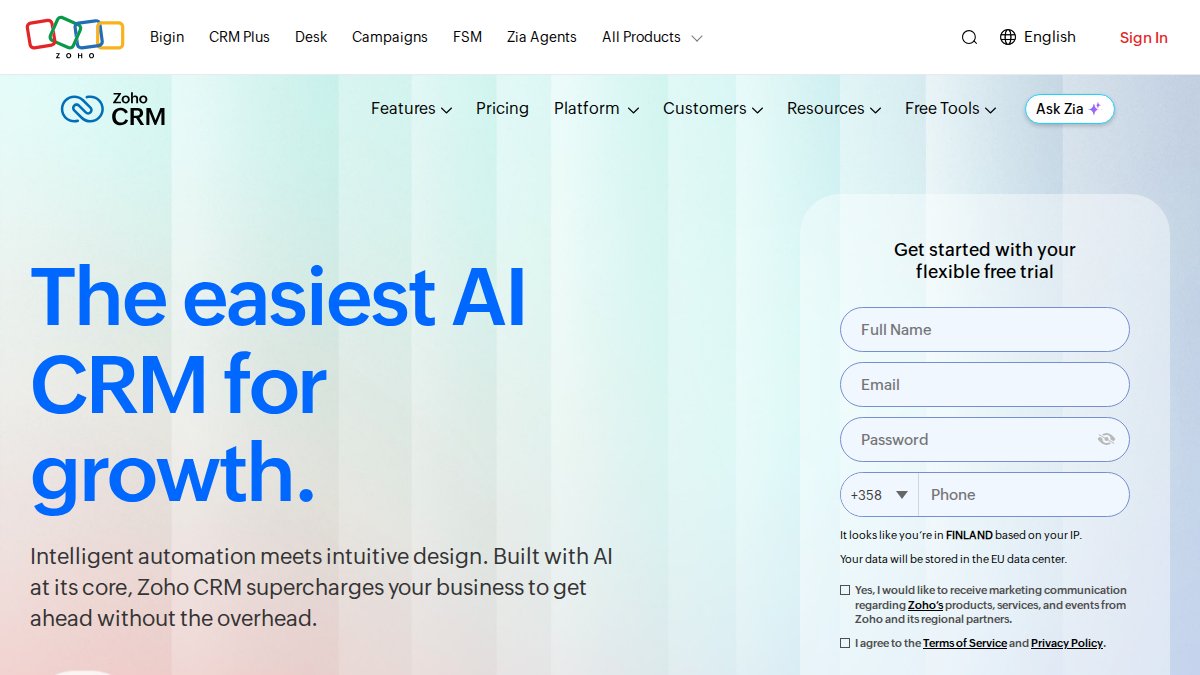
Zoho CRM and Freshsales cover the basics well when budget is the constraint. Salesforce Sales Cloud is aimed at larger operations.
Best for: teams replacing spreadsheets on a tight budget.
Skip if: you need intent capture from anonymous traffic.
Lead Management Software for Small Business: What Actually Fits
Lead management software for small business is any system that captures, organizes, and tracks sales leads in one place instead of scattered files. The mistake small teams make is buying for the business they hope to become. A five-person team does not need enterprise routing rules, and paying for them trains everyone to ignore the tool.
The word “alternatives” matters here. A CRM is only one option. The realistic set for a small team includes:
- A shared spreadsheet with a strict column standard and one owner per row.
- A shared inbox where every lead arrives as a message with a visible assignee.
- A form plus a lightweight database, which gives you structured fields without a full CRM.
- A dedicated lead management tool with stages, reminders, and routing.
- A full CRM when sales and marketing need one record.
Match the option to the failure you actually have. If leads are lost because nobody sees them, a shared inbox fixes more than a CRM will. If leads are lost because nobody follows up, you need reminders and ownership, not more storage.
Fit comes down to four questions, and each has a concrete test:
- Where do leads enter today, and does the tool capture there? List every entry point, web form, phone, chat, referral, event list, and confirm the tool ingests each one. A tool that captures three of five channels creates a new blind spot.
- Who owns each lead after capture? If the answer is “whoever checks,” you have not solved the problem. The tool should assign an owner automatically or make assignment a one-click action.
- What happens automatically when nobody responds? Test this before you buy. Set a lead, wait past the response window, and see whether a reminder fires. If it does not, you are paying for storage, not follow-up.
- What does the total cost look like after add-ons? Sticker price is the least useful number. Add seat costs at your realistic headcount, onboarding or setup fees, paid integrations, and the staff time to configure and maintain it.
That last question bites hardest. Before choosing, it helps to understand the tradeoff between lead volume and quality, since a tool that floods reps with unqualified records makes things worse. Our lead qualification best practices guide covers the standards to set first.
A practical threshold: if your team handles fewer than a handful of leads per week, a shared inbox and a disciplined sheet will outperform any CRM you buy. Once volume, ownership, or follow-up frequency outgrows memory, the calculation flips.

Free Lead Management Software: Where It Works and Where It Stops
Free lead management software works for very small teams with low volume and short sales cycles. It stops working when volume rises, ownership blurs, and follow-up depends on memory.
Free tiers often cap contacts, users, or automation runs. Those caps are fine at ten leads a week and painful at a hundred. Watch out: teams often outgrow a free plan and lose workflow history during migration if nobody exported the data first.
Automated lead follow-up is the feature most worth paying for. Reminders and triggered sequences replace the discipline a spreadsheet demands. Lead distribution software does the same for assignment, routing each new record to an owner instead of a shared inbox.
Migrating Off Spreadsheets Without Losing Your Pipeline
Most migration advice stops at “export your data.” That is the easy part.
Here is a sequence that holds up in practice.
1. Freeze the source before you export. Pick a cutoff date and time, then stop editing the sheet. Export to CSV and save an untouched copy as your archive.
2. Profile the data before you clean it. Count rows, count unique email addresses, and count rows with no owner. Those three numbers tell you how much deduplication and reassignment work is coming.
3. Decide what not to migrate. Old, closed, or unresponsive leads often make up a large share of a spreadsheet.
4. Map columns to real fields, not to the sheet’s layout. A column called “Notes” usually contains a mix of call outcomes, objections, and next steps.
5. Import a small batch first. Load 25 to 50 records, verify that owners, stages, and dates landed correctly, then delete the batch and re-import cleanly.
6. Run the full import, then reconcile. Compare record counts between source and destination. Investigate every gap. Duplicate records poison reporting from day one, so merge them before anyone starts working the pipeline.
7. Keep the old sheet read-only for one quarter. Do not delete it. Make it view-only, tell the team it is a reference, and set a date to retire it.
8. Set permissions and retention at the same time. Decide who can export, who can delete, and how long closed records are kept.
Watch out: the most common failure is importing everything on a Friday and declaring victory before anyone has verified a single record.
When Manual Tracking Is Still the Right Call
Manual tracking is still appropriate for solo operators, pre-revenue teams, and businesses with fewer than a handful of leads per week. Below that threshold, software adds overhead without removing any.
The moment manual tracking costs you a deal, switch. Not before.
Manual lead tracking fails quietly, one missed follow-up at a time, and the cost shows up months later in lost revenue. Deal Angels closes that gap by engaging website visitors in real time, identifying genuine buying intent, and connecting qualified prospects directly with the right salesperson, so your existing traffic stops leaking deals. Get started with Deal Angels and turn the visitors you already have into sales conversations.
Frequently Asked Questions
What are the alternatives to tracking leads in a spreadsheet?
The main alternatives are CRM platforms like HubSpot Sales Hub, Pipedrive, Zoho CRM, and Salesforce Sales Cloud, plus lighter options. Each replaces manual lead tracking with a centralized database, contact records, and pipeline stages that update in real time. Teams with heavy website traffic can add a recovery layer such as Deal Angels to engage visitors who never fill out a form. The right pick depends on team size, budget, and how much workflow automation you need.
Is free lead management software enough for a small business?
Free lead management software can be enough when you have one or two reps, a short sales process, and low lead volume. Some CRM platforms offer free or lower-cost tiers. Limits show up fast though: capped contact records, thin reporting, and no lead assignment rules. Once you need automated lead follow-up or lead distribution software, free plans usually stop short and you move to a paid tier.
How can sales teams automate lead assignment and follow-up?
Most CRMs let you set rules that assign each new lead to a rep based on territory, deal size, or round-robin order, then trigger follow-up reminders and email sequences automatically. Lead distribution software handles the routing piece specifically, which matters when leads arrive from multiple sources like forms, chat, and paid traffic. The practical step is to define your pipeline stages first, then map each stage to a task or sequence so nothing depends on a rep remembering to check a spreadsheet.
What should a business look for in lead tracking software?
Start with the basics: lead capture from your forms and email, clean contact records with duplicate detection, and visible pipeline stages. Then check whether it supports lead assignment, automated follow-up, and reporting you will actually read. Ask about data accuracy controls and user permissions, since access control matters when reps leave. Finally, price the full package, including onboarding and any per-contact limits.
When is manual lead tracking still appropriate?
Manual tracking still works when you close a handful of high-touch deals per month, your team is small enough that everyone knows every lead, and your process changes often enough that software setup would cost more than it saves. It stops being appropriate once leads arrive from several sources, more than one person touches each record, or response time starts deciding who wins the deal. At that point, duplicate records and missed follow-ups cost more than a subscription.
