
Last Updated: October 25, 2026
Quick Summary
The best live chat alternatives in 2026 are ticketing platforms, AI assistants, and intent-based recovery tools that catch conversations a chat queue misses. Match the tool to your gap: buy a help desk for support volume, or add a recovery layer for lost sales conversations. Compare the tier that includes the features you need at your realistic seat count, not entry-tier prices.
- Zendesk plans start at $19 per agent per month for ticketing and help desk depth.
- Intercom pricing starts at $39 per seat per month and is built for proactive messaging.
- Tidio and Tawk.to both offer free tiers for small teams testing chat.
- Under about 200 conversations a month, a free tier or lightweight paid plan is usually enough.
- Run both tools in parallel for two weeks before switching off the old widget.
Table of Contents
- Why Sales Teams Are Replacing Live Chat in 2026
- Quick Comparison: Live Chat Alternatives at a Glance
- Best Live Chat Alternatives for Customer Support
- Website Chatbot Software: When AI Automation Beats a Human Queue
- Lead Capture Software for Websites: Turning Visitors Into Conversations
- AI Sales Assistant for Websites: The Recovery Layer Approach
- Total Cost of Ownership: Pricing at Realistic Team Sizes
- How to Choose and Migrate Without Losing Conversations
- Frequently Asked Questions
Why Sales Teams Are Replacing Live Chat in 2026
The best alternatives to live chat software are not just other chat widgets. They are ticketing platforms, AI assistants, and intent-based recovery tools that catch the conversations a chat queue misses. At Deal Angels, we see the same pattern repeatedly: teams buy chat, staff it during business hours, and watch high-value visitors leave without a word.

The problem is structural, not a staffing failure. Live chat software assumes a visitor will start the conversation. Most B2B buyers never do. They read, compare, and leave. A queue-based tool cannot recover a conversation that never began.
That is why sales teams are testing live chat alternatives for customer support and for revenue. For a practical guide to increasing sales team efficiency, see our step-by-step walkthrough. The shift is from waiting to engaging.
Quick Comparison: Live Chat Alternatives at a Glance
Here is the short version before the detail. For a broader roundup of conversational marketing tools for startups, see our comparison guide. Each option below fits a different job, so match the tool to the gap you actually have.
| Tool | Starting Price | Best For | Free Tier |
|---|---|---|---|
| Deal Angels | Contact for pricing | Recovering anonymous buying intent | No |
| Zendesk | $19/agent/month | Ticketing and help desk depth | No |
| Intercom | $39/seat/month | Proactive messaging | No |
| Tidio | Free | Small teams testing AI chat | Yes |
| Tawk.to | Free | Zero-budget chat | Yes |
| LiveChat | $20/agent/month | Chat-first support | No |
| Brilo.ai | $149/month | AI voice call automation | No |
| Chatbase | Contact for pricing | AI chat with human handoff | No |
Best Live Chat Alternatives for Customer Support
Customer support is where most teams start, and where most tools overlap. Zendesk, Intercom, Tidio, and Tawk.to all handle a shared inbox and a chat widget. The difference is depth versus speed, and the right pick depends on support volume, team size, and whether you need a real help desk behind the widget.
Below are the four most common support-first alternatives, with the trade-offs that matter when you are switching rather than starting fresh.
Zendesk: Ticketing and Help Desk Depth
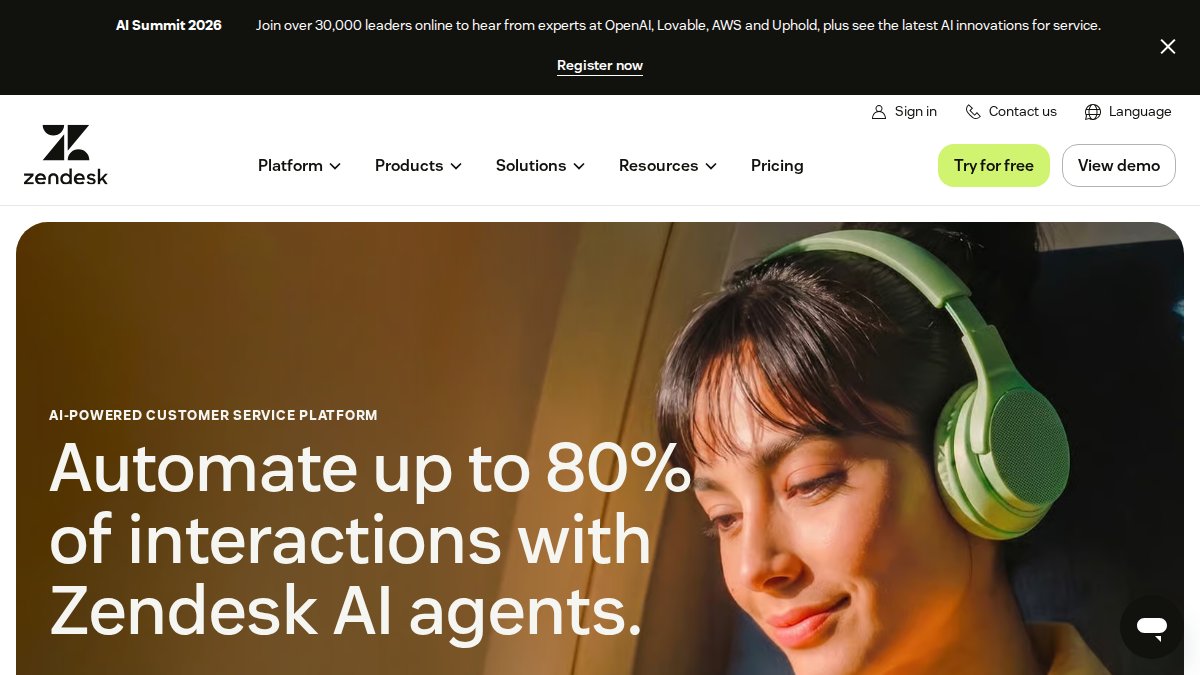
Zendesk is the strongest pick when support volume is high and conversations need a paper trail. A comparison result lists plans starting at $19 per agent per month, which buys a real help desk rather than a chat box. That entry price typically covers ticketing, agent assignment, and basic reporting; advanced routing, workforce management, and AI add-ons sit on higher tiers, so confirm the plan-specific limits before you commit.
Pros: mature ticketing, agent assignment, reporting, and a large integration marketplace.
Cons: costs climb quickly with add-ons, and the admin overhead is real for small teams.
Best for: teams that need a ticketing system behind the chat widget and expect support volume to grow.
Skip if: you only need a lightweight chat window or you have fewer than three agents.
Intercom: Proactive Messaging and Shared Inbox
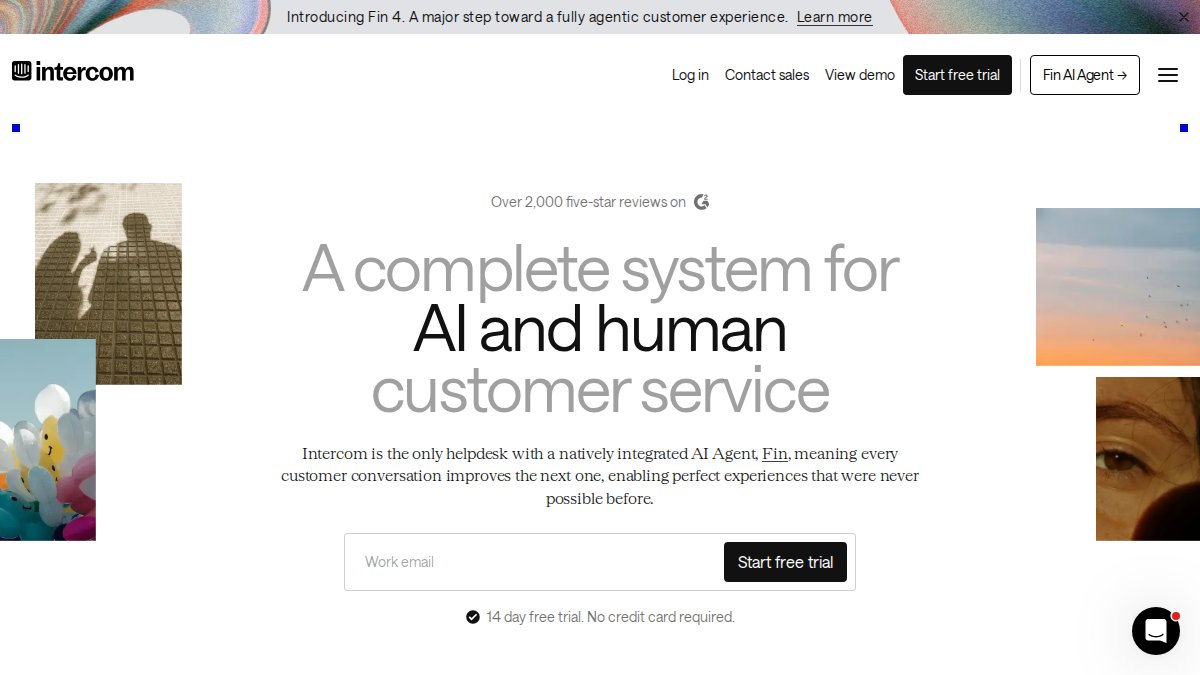
Intercom is the option to test if you want the chat to start the conversation. It is associated with proactive messaging, and a comparison result lists pricing from $39 per seat per month. That starting price does not specify which features are included, and Intercom’s model bundles messaging, help desk, and AI features across tiers, so map your must-haves to the plan before you budget.
Pros: strong proactive messaging, shared inbox, conversation routing, and a polished end-user experience.
Cons: the starting price does not specify which features are included, and per-seat costs add up for larger teams.
Best for: teams running outbound-style engagement on their own site and wanting messaging and support in one place.
Skip if: budget is the deciding factor or you need deep ticketing without messaging.
Tidio: Free-with-AI Entry Point
Tidio is described as a free-with-AI entry point in a recent roundup. It is a legitimate way to test whether chat works for your audience before you pay, and the AI layer handles canned responses and common questions without an agent. Paid-tier prices and feature limits are not specified in the supplied data, so confirm seat limits, message caps, and AI usage before you rely on it for production support.
Pros: real free plan, fast setup, and AI responses included at the entry level.
Cons: paid-tier prices and feature limits are not specified in the supplied data, and advanced routing and reporting sit on higher plans.
Best for: small teams and early experiments that want AI chat without a contract.
Skip if: you need advanced routing or deep reporting from day one.
Tawk.to: Zero-Budget Chat
Tawk.to is called the genuinely free option in a recent roundup. It is the lowest-risk way to put a chat widget on a site and see whether visitors use it. The trade-off is depth: reporting, automation, and integrations are thinner than paid alternatives, and the free model relies on its own agent network for some staffing scenarios. Confirm data handling and retention terms before you route customer conversations through it.
Pros: genuinely free, fast setup, and no seat limits on the core chat.
Cons: thinner reporting and automation, and data handling terms deserve a close read.
Best for: small teams and early experiments with no chat budget.
Skip if: you need advanced routing, deep reporting, or strict data controls.
Match the tool to your support volume, not the feature list. Under about 200 conversations a month, a free tier or a lightweight paid plan is usually enough. Above that, ticketing depth and reporting start to pay for themselves.
Website Chatbot Software: When AI Automation Beats a Human Queue
Website chatbot software earns its place when your support volume is repetitive and your team is small. A chatbot handles canned responses, business hours questions, and self-service links without an agent. Automating these interactions allows your staff to focus on complex inquiries while integrating more robust small business communication tools to manage the broader landscape of customer engagement.
It stops working when the question is commercial. A buyer asking about contract terms or implementation timelines wants a person, and a bot that loops them back to a knowledge base loses the deal.
The practical rule: automate the first response, route the real intent to a human. Automated responses should qualify, not conclude.
Lead Capture Software for Websites: Turning Visitors Into Conversations
Lead capture software for websites has a bad reputation, and it earned it. Intrusive popups kill conversion rates, and lazy forms collect garbage data.
The fix is timing and intent. A form shown to a visitor reading a pricing page performs differently from one shown three seconds after landing. Visitor tracking and buying-intent signals should decide when the widget appears, not a fixed timer.
- Trigger on page depth, not page load
- Ask one qualifying question, not five fields
- Route qualified prospects to a named salesperson
- Log the conversation history in your CRM
AI Sales Assistant for Websites: The Recovery Layer Approach
An AI sales assistant for websites works as a recovery layer: it engages visitors your chat queue never reached, identifies buying intent in real time, and connects qualified prospects to the right salesperson. That is exactly what Deal Angels builds, and it is the layer most chat tools skip.
The distinction matters. For evidence on whether conversational marketing increases conversion rates, see our analysis. Chat software waits. A recovery layer acts on intent signals and captures contact details before the visitor leaves.
Total Cost of Ownership: Pricing at Realistic Team Sizes
Per-agent pricing hides the real cost. At five agents, Zendesk at $19 per agent lands near $95 monthly; Intercom at $39 per seat lands near $195. At twenty agents, those gaps become budget lines.
Here is how to build that model before you switch.
Seats and roles. Count every person who will log in, including supervisors, admins, and part-time agents.
Usage limits. Chat and AI plans often cap conversations, messages, or AI resolutions per month.
Add-ons. Advanced routing, workforce management, reporting, AI features, and integrations frequently sit on higher tiers or separate add-on SKUs. List the features you actually need and price the tier that includes them, not the entry plan.
Implementation and admin time. Migration, integration work, and admin overhead are real costs even when they do not appear on an invoice.
The cost of missed conversations. A cheaper widget that misses qualified prospects is the expensive option.
Do not compare entry-tier prices across tools. Compare the tier that includes the features you need at your realistic seat count and conversation volume. That is the number that shows up in your budget.
For Deal Angels pricing, contact us directly, since plans depend on traffic and team size.
How to Choose and Migrate Without Losing Conversations
Choosing comes down to one question: is your gap support volume or lost sales conversations? Support gap, buy a help desk. Revenue gap, add a recovery layer.
Migration checklist:
- Export conversation history and contact records
- Map canned responses to the new tool
- Rebuild routing rules and agent assignments
- Run both tools in parallel for two weeks
- Confirm CRM integration and reporting before switching off
Watch out: switching off the old widget before testing the new routing rules drops live conversations into a void. Keep both running until the new tool proves it captures and routes correctly.
Frequently Asked Questions
What are the best alternatives to live chat software for website leads?
It depends on whether you need support or sales. For support, ticketing platforms like Zendesk ($19/agent/month) and Intercom ($39/seat/month) handle shared inboxes and conversation routing. For sales, lead capture software and AI sales assistants that identify buying intent often convert better than a passive chat widget. Free options like Tidio and Tawk.to suit small teams testing chat. Match the tool to your support volume and whether your goal is resolution time or qualified sales conversations.
Are chatbots a good alternative to live chat?
Yes, for repetitive questions and after-hours coverage. Website chatbot software handles canned responses, self-service answers, and basic lead qualification without staff. The catch is escalation: a chatbot that cannot hand off to a human at the right moment loses the conversation. Look for human handoff, conversation history, and CRM integration before you commit. For high-ticket sales, pair automation with a real-time path to a salesperson.
What is the best free live chat software?
Tawk.to is described as a genuinely free live chat option, and Tidio offers a free tier with AI features. Both work for small teams testing chat on a website. Free tiers usually limit seats, features, or reporting, and paid pricing for Tidio is not published in the sources reviewed here. Treat free plans as a trial: confirm agent limits, chat widget customization, and whether analytics dashboards are included before you migrate.
How do I choose a live chat alternative for sales engagement?
Start with the outcome you need: faster resolution time or more qualified sales conversations. Then check four things: pricing model (per-agent vs per-conversation), integrations with your CRM and ecommerce platform, AI automation and routing rules, and setup time. For long sales cycles, prioritize tools that identify buying intent and connect prospects to the right salesperson quickly. Run a two-week test on your highest-traffic pages before switching entirely.
The real risk in 2026 is not picking the wrong chat tool. It is leaving qualified buyers on your site with no one engaging them. Deal Angels adds a recovery layer that identifies genuine buying intent, captures contact information, and connects prospects with the right salesperson, so your existing traffic produces more conversations. Get started with Deal Angels and turn anonymous visitors into booked sales conversations.
